




More than half a million businesses run on Zoom, including 70% of the Fortune 100. They rely on it to capture their most important conversations, with interviews among the highest-stakes of them.
That’s where BrightHire comes in. As a native Zoom App, it runs directly the interviews hiring teams already run on Zoon, structuring each one around the criteria for the role, tying what the candidate said to your scoring rubric, and syncing it all with your ATS.
How BrightHire works in Zoom
Once BrightHire is installed from the Zoom App Marketplace, it seamlessly runs inside the Zoom interviews in the same window where interviews already happen. Nobody has to start a recording or remember to turn anything on, and there’s no second tool to learn.
It syncs to your recruiting calendar and your ATS, so it knows which meetings are interviews and which role each one is for.
What the interviewer sees
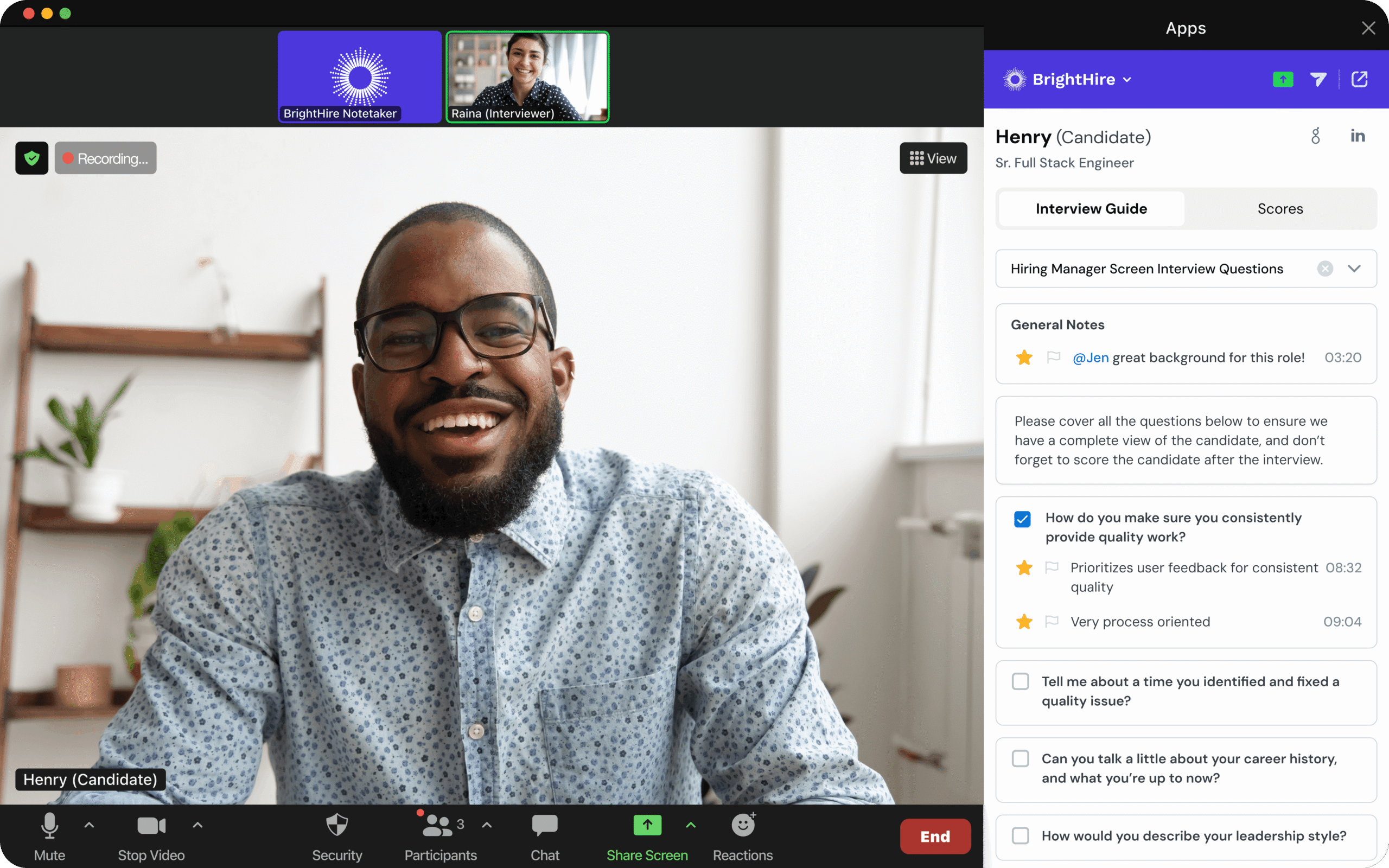
BrightHire’s Interview Assistant opens in a panel beside the video, inside Zoom. It shows the interview guide for the role: the structured questions to cover and the criteria being assessed, so the interviewer is working from a plan instead of a blank page.
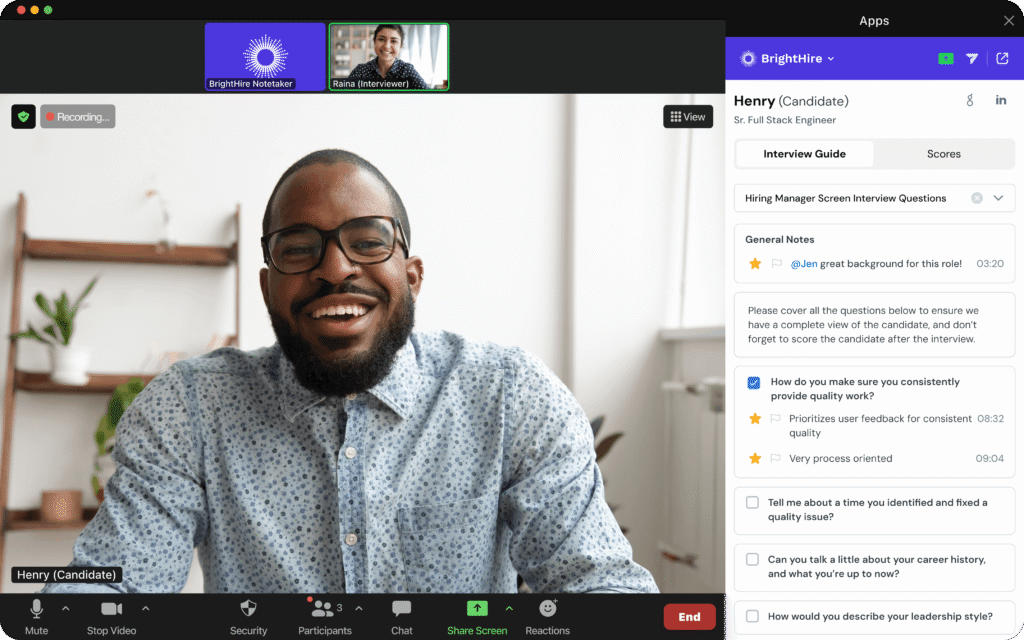
The panel includes a smart notepad for time-stamped notes and reactions. Interviewers can flag a strong answer as it happens and the moment is marked, linked back to the point in the recording where it occurred. Because it’s in the Zoom window, taking a note doesn’t mean looking away from the candidate.
Interviewers who’d rather work in their browser can use the Chrome extension instead. It’s the same Interview Assistant — same guide, same smart notepad — as an overlay outside the Zoom client.
What the candidate sees
A normal Zoom interview. The Interview Assistant panel is visible only to the interviewer, so nothing about the guide, the notes, or the criteria appears on the candidate’s side.
BrightHire joins the meeting as a participant to record and transcribe, so candidates can see it in the participant list. That’s deliberate: recording an interview isn’t the same as recording an internal call, and candidates should know it’s happening.
After the interview: notes and feedback in your ATS.
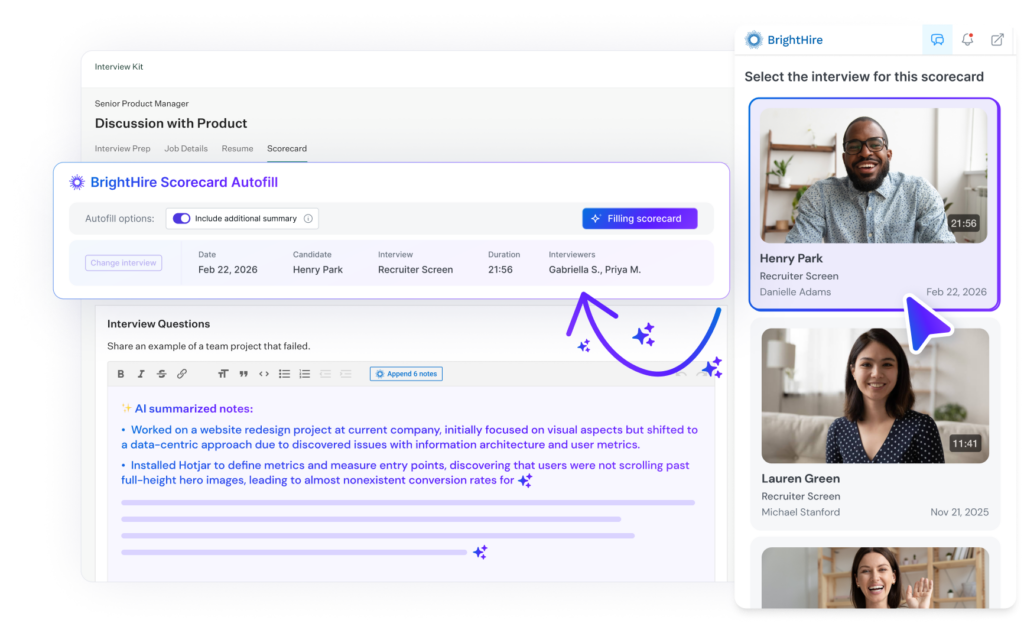
Following interviews, every interviewer gets AI-generated notes structured by the interview guide, with citations back to the moment in the recording where each point was made. Alongside them: the full recording, a searchable transcript, and the moments the interviewer flagged, clipped and ready to share. A hiring manager can watch two minutes instead of rewatching an hour.
From there, feedback goes to your ATS in one click. BrightHire integrates with many ATS providers, including Greenhouse, Lever, Ashby, and Workday. Scorecards get filled from the interview that already happened, and nobody retypes anything.
As a candidate moves through the loop, BrightHire aggregates signals across all of their interviews into a single summary, so a debrief starts from what everyone actually heard rather than what everyone remembers. It also flags things worth acting on, like a competing offer mentioned in passing or a follow-up someone promised.
“The ability to pass data from our ATS into BrightHire about interview questions, then conduct interviews within Zoom to get a holistic view of notes, scores, and insights, is invaluable.”
— Amy Schultz, Global Talent Acquisition Leader at Canva
Teams using BrightHire submit 28% more interviewer feedback, which gives hiring teams more to decide on and less to chase.
Candidate fraud detection, powered by Zoom signals
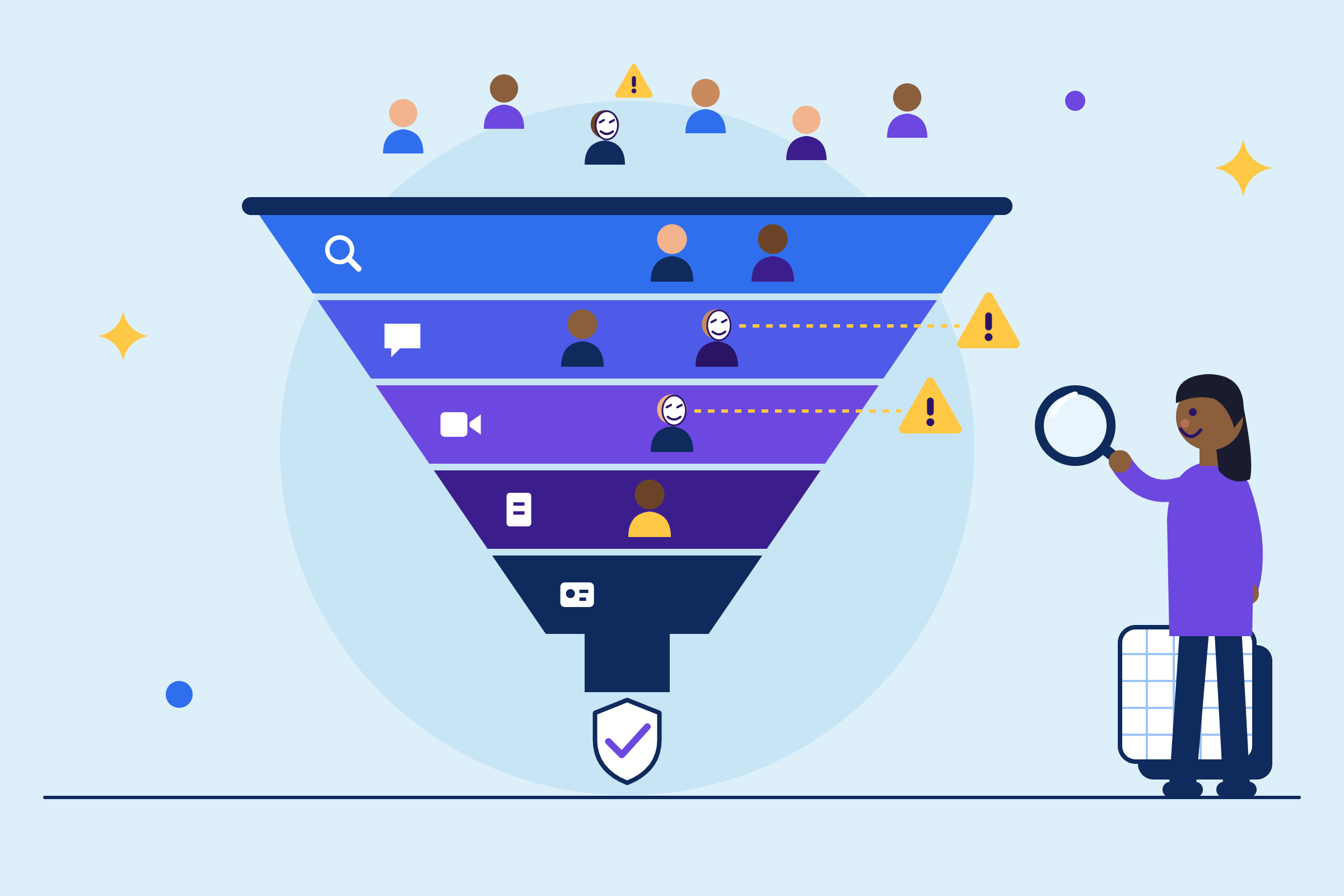
Candidate fraud is accelerating, and it’s getting harder to spot. Hiring teams everywhere are struggling with imposters sitting in for the real candidate, AI-coached answers, and deepfakes are all showing up in hiring.
BrightHire’s Candidate Fraud Detection surfaces integrity signals across screening and live interviews, then rolls them into a single read on risk. On Zoom, it draws on more: real-time deepfake models plus device, network, and location data from the Zoom session, powered by Zoom data and proprietary signals no other platform can provide.
Those signals are followed up by human investigation and never produce an automated verdict.
Since Zoom acquired BrightHire in 2025, the two companies continue to work together to build capabilities like this. As the products come together further, more of these advantages will follow, enabling teams to run better, more insight rich interviews.
How BrightHire handles compliance
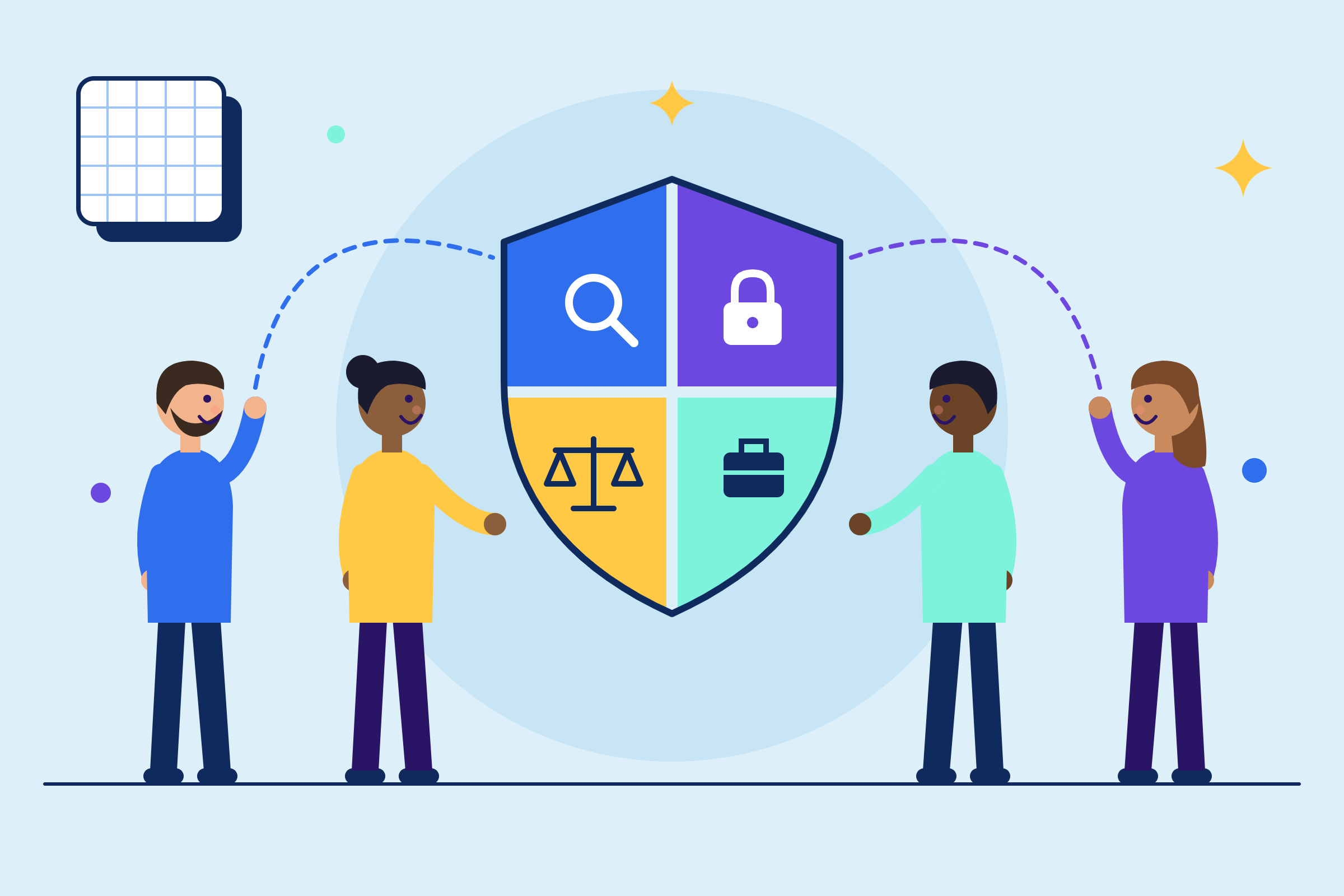
While interviews are run on Zoom, BrightHire handles what hiring requires of them: consent, redaction, retention, and control over who sees what.
- Consent. Recording requirements vary by state and country, and BrightHire collects consent as part of the interview workflow.
- Redaction. Interviewers sometimes surface protected-class information without meaning to. BrightHire detects it, redacts it from the recording, and logs it in an audit trail for admins.
- Tied to the candidate. Recordings and transcripts attach to a specific candidate and req in your ATS, not a shared meeting library.
- Access control. Admins decide who can see recordings, transcripts, and AI outputs based on their role in the hiring process.
- Retention. Employment law specifies how long hiring records must or must not be kept. Retention and deletion settings are configurable to match.
- AI governance. Using AI in hiring triggers scrutiny under NYC Local Law 144, Colorado, Illinois, and the EU AI Act. BrightHire is built to have a human-in-the-loop: AI outputs are inputs to a person’s decision, never an automated verdict. Independent bias audit annually.
Customer and candidate data is never used to train AI models, by BrightHire or its model providers.
Get started
Book a demo and to lean how BrightHire can improve your interview process in Zoom and beyond. You can also find BrightHire in the Zoom App Marketplace to see the listing and install requirements.
Already using BrightHire? Turn on the Zoom integration from your admin settings.
“I will never interview without BrightHire’s AI Interview Notes again. Absolutely a lifesaver.”
— Michael Hershfield, CEO at Accrue Savings
Questions about BrightHire in Zoom
Yes. BrightHire joins the meeting as a participant to record and transcribe, so it appears in the participant list and candidates can see it. Interviewers don’t have to start it or invite it: BrightHire syncs to your recruiting calendar and ATS, so it knows which meetings are interviews.
ZoomMate is Zoom’s AI assistant for meetings across your whole organization. BrightHire is purpose-built for hiring: it structures interviews around the plan for the role, ties what the candidate said to your rubric, syncs feedback to your ATS, and handles hiring-specific requirements like candidate consent and retention.
No. BrightHire is a standalone platform — you don’t need to be a Zoom customer to use it, and it captures interviews on Zoom, Microsoft Teams, Google Meet, and phone. Any Zoom account works, including a free one; what you need is a paid BrightHire subscription. BrightHire is at its most powerful on Zoom, where it can draw on signals only a Zoom company can reach, including for fraud detection.
BrightHire integrates with Greenhouse, Lever, Ashby, and Workday, among others. If yours isn’t among them, notes, transcripts, and summaries still live in BrightHire and can be shared or exported, you just lose the one-click scorecard sync. See all integrations.
Yes. BrightHire appears in the participant list, and consent collection is built into the interview workflow.
Yes. The Chrome extension gives interviewers the same interview guide and smart notepad as a browser overlay, and connects to ATS workflows so recruiters can review interviews without leaving their ATS. Most teams use the Zoom App, but both work.