


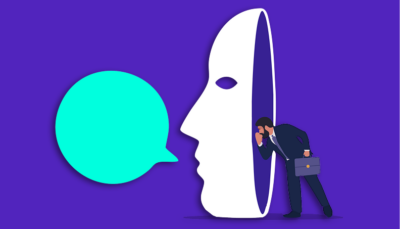
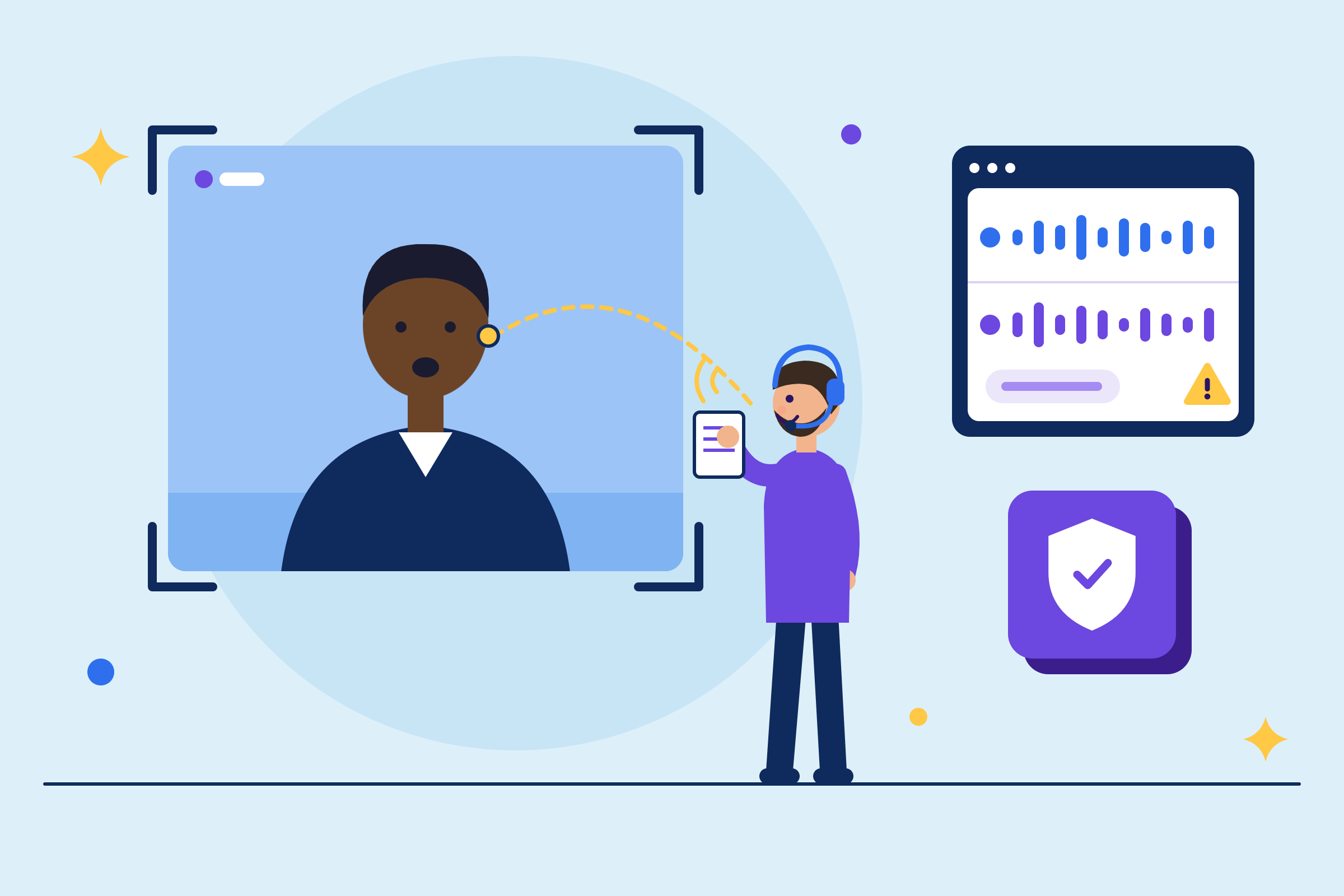


TL;DR: Proxy interview fraud happens when someone other than the actual job candidate sits the interview on their behalf. It takes three patterns: a full stand-in who completes the entire interview, a shadow helper feeding answers from off-camera, and a bait-and-switch where a strong interviewer clears the process and a different person shows up for the job. Most teams have a control at the application stage and at the offer stage, and nothing in between, which is exactly where a bait-and-switch happens. This guide maps each pattern to the control that stops it, covers identity checkpoints at four funnel stages, and includes a live-interview checklist your panel can use this week.
Proxy interview fraud happens when the person your hiring team evaluates, scores, and extends an offer to is not the person who ends up on payroll. A stand-in can clear your screening interview, your technical loop, and your final round before anyone notices. By the time the real person shows up on day one, the damage is already done.
This is distinct from resume fraud, where a candidate misrepresents credentials on an application document. It requires separate controls, and it starts earlier in your funnel than most teams realize. BrightHire’s candidate fraud detection surfaces signals across the full funnel, but the controls you put in place start with process design.
Three patterns of proxy interview fraud
You face two distinct risks, and both matter. The first is hiring cost: you invest interview hours, extend an offer, and onboard someone who can’t do the job. CareerBuilder puts the average cost of a bad hire at $17,000, and that figure climbs when identity deception is involved.
The second dimension is security access. A fraudulent hire in a network engineer or cloud administrator role may have full access to production systems, sensitive client data, and internal documentation before anyone questions their credentials. An imposter placed deliberately into a technical role carries that risk profile from day one, with system access, and institutional trust granted on the assumption that your hiring process already verified who they are.
At the enterprise level, GetReal Security’s benchmark found that 41% of enterprises surveyed have already hired and onboarded a fake candidate, based on responses from 668 IT, cybersecurity, fraud, and risk leaders across organizations with at least 1,000 employees.
Full impersonation in live interviews
A full stand-in is a different person who completes the entire interview on behalf of the actual applicant. This can be a paid freelancer, a more qualified friend, or a professional interview proxy, and the stand-in performs well because they’re selected specifically for interview skill. The person who accepts the offer may have never spoken to your team at all.
Look for a mismatch between the candidate’s documented experience and their on-camera performance. A stand-in who never lived the experience described on the resume will struggle with specific follow-up questions about decisions, tradeoffs, and mistakes from past projects.
Off-camera coaching signals
A shadow helper feeds answers to the candidate in real time, through an earpiece, a second monitor, or a phone call happening off-camera. The candidate on screen is the person who applied, but the answers they deliver are not their own. This pattern is harder to catch than a full stand-in because the face matches the application, and the signal lives in the delivery rather than the identity.
Focus on tone shifts when the conversation moves from prepared topics to spontaneous follow-ups. A coached candidate often sounds polished to the point of being uncanny on standard questions but hesitates, deflects, or gives generic answers when the conversation takes an unexpected turn. Response latency is another indicator: consistent delays after you interrupt or change topic suggest the candidate is waiting for input from somewhere else. For a deeper look at how off-camera assistance shows up in live interviews, we cover how to detect AI cheating on our blog.
The bait-and-switch across interview rounds
Candidate impersonation covers any scenario where the person being evaluated is not the person who will do the job. It includes both the full stand-in and the bait-and-switch, where a polished candidate wins the screen and a different person shows up to do the work. The bait-and-switch can span multiple interview rounds: one person handles the screening interview, another handles the technical loop, and a third shows up for the onsite.
Inconsistency across rounds is the key signal. Watch for candidates who demonstrate expert-level knowledge during the technical interview but whose resume, portfolio, or earlier conversations suggested only intermediate abilities. Ask interviewers in each round to note specific details about the candidate’s appearance, communication style, and speech patterns. When the details don’t match across rounds, the gap is worth investigating before the offer goes out.
Proxy interview signals and mitigation controls
Each proxy pattern has a specific observable signal and a specific control that stops it. The table below maps the three patterns to what you should look for and what prevents it.
| Proxy pattern | Observable signal | Control that stops it |
|---|---|---|
| Full stand-in | Story doesn’t match the resume, tone and vocabulary shift between email and video, candidate can’t answer specific follow-ups about past project decisions | Government ID check with biometric comparison before the first live interview |
| Shadow helper | Consistent response latency after interruptions, overly polished answers on prepared topics followed by generic responses on spontaneous questions, earpiece or second screen visible | Live spontaneous technical conversation with no screen share and no notes, response-timing and behavioral signals a reviewer can combine with the live conversation |
| Bait-and-switch | Different appearance, communication style, or speech patterns across interview rounds, expert knowledge in one round that contradicts intermediate knowledge in another | Consistent interviewer notes on candidate identity across rounds, video comparison of recordings from screening, technical, and final rounds, identity verification repeated at offer acceptance |
These controls work because they address the mechanism behind each pattern. An ID check stops a full stand-in by confirming identity before the interview begins. A spontaneous live conversation disrupts a shadow helper because real-time coaching can’t handle unpredictable follow-ups without visible delay. Cross-round comparison catches a bait-and-switch because swapping people between rounds leaves an identity trail that consistent documentation exposes.
Establish identity gates in your hiring process
Catching a proxy at the offer stage means you already missed three earlier chances. Identity verification belongs at four checkpoints across the funnel: application, screening interview, live interview, and day one. Each checkpoint narrows the window where an imposter can advance undetected.
Screen for proxy application fraud
Run a government ID check and biometric comparison at the application or initial screening stage to eliminate fake and duplicate applicants before they consume interview capacity. This step filters out fraudulent profiles before they enter your pipeline and protects your team’s time. It’s not an optional checkpoint for roles with system access or financial data exposure.
Detect proxies during initial screens
If your team runs early-round screening interviews, this is the first human-touchpoint checkpoint. BrightHire Screen, our AI interviewer that runs structured screening interviews asynchronously, carries the most robust fraud detection signal set because BrightHire powers the session end-to-end. We capture signals directly during the screening interview, not reconstructed from a recording afterward. Candidates complete the interview on their own schedule, and the session captures identity, network, and behavioral signals that surface risk flags for your team to review before a recruiter ever joins a call.
Detect proxies in live interviews
The live interview is where most teams focus their detection effort, and where most teams have the least infrastructure. Your interviewers are trained to evaluate answers, but they’re not trained to verify that the person giving those answers is the person who applied. Platform-level detection fills this gap by capturing signals no interviewer can see: deepfake rendering artifacts, IP-derived geolocation, VPN usage, response timing, and answer patterns that match AI-generated text. Detection runs across Zoom, Microsoft Teams, and Google Meet, with signal depth varying by platform. We cover the specifics in the platform signal depth table later in this guide.
Run final checks for new hire identity
None of the earlier checkpoints guarantee that the person who logs into the company laptop on their first day is the same human being who sat for the interview. Conduct a structured identity verification session on day one to confirm the person starting the job matches who you interviewed.
For remote roles, this means a dedicated video call with biometric liveness checks and government ID comparison before system access is provisioned. A casual call with a manager is not sufficient to verify identity against sophisticated impersonation methods. Verification services can validate government-issued IDs and biometric liveness checks at this stage as a final confirmation, anchoring the digital onboarding session to a legal identity before credentials are granted.
Detection signals and platform coverage
Your interviewers need a short, scannable checklist of anomalies worth flagging for review, backed by platform-level detection that captures what human observation misses.
Deepfake and behavioral signals your interviewers can spot
Deepfake technology has improved to the point where real-time face swaps can pass a casual visual inspection. The artifacts are subtle: slight lip-sync lag, unnatural eye movement during fast speech, facial edges that soften under motion, and lighting or shadows that don’t match the stated background. Absent blinking, missing eye reflections, and brief distortion around the face during fast head movement are common tells in a live deepfake feed.
If you suspect synthetic media during a live interview, ask the candidate to turn their head slowly toward profile, wave a hand across their face, or change the lighting in the room. Real-time deepfakes struggle with all three, and a synthetic face tends to slip or tear at the edges when the model can’t keep up with the movement.
Behavioral and technical signals to watch for
Behavioral signals matter as much as technical ones. Watch for a candidate who avoids simple physical requests on camera, gives generic answers to spontaneous follow-up questions, seems to be reading rather than speaking naturally, or has a professional history that can’t be verified through independent channels.
Technical artifacts on the candidate’s screen can reveal assistance tools. Keep an eye out for remote desktop icons, dual cursors during coding tests, or taskbar icons from communication platforms like Skype or TeamViewer that suggest a second person is connected to the session. Background noise that changes abruptly mid-answer can indicate someone else entering or leaving the room.
Documentation mismatches round out the picture. The candidate’s written emails during scheduling should sound like the person on the call. Wild shifts in tone, vocabulary, or punctuation between email and video are a classic sign that two different people are involved.
Platform-level detection signals interviewers can’t see
Human observation catches obvious anomalies, but sophisticated synthetic media is specifically designed to pass visual inspection. This is where platform-level detection becomes necessary. The depth of session metadata BrightHire captures varies by platform because each platform exposes different data.
| Platform | Deepfake detection | Network and session signals | Signal depth |
|---|---|---|---|
| BrightHire Screen | Yes (native) | Full session metadata (BrightHire powers the session end-to-end) | Most robust |
| Zoom | Yes (proprietary model) | Session metadata, device, network, and location data | Fullest live coverage |
| Microsoft Teams | Yes | IP-derived geolocation and VPN signals | Strong |
| Google Meet | Yes | Limited today, expanding as Google exposes more session data | Growing |
BrightHire’s fraud detection analyzes the interview itself, and signals reach your team after the call but before the candidate advances. Every flag links back to the moment that triggered it. We combine deepfake detection with network risk signals (VPN, proxy, Tor, unexpected geolocation) and interview behavior signals (response timing, tab switching, LLM answer matching) to surface risk flags for human review. A fraud flag never removes a candidate from consideration and never auto-rejects anyone. It gives a person a reason to look at the evidence and decide.
On Zoom, we draw on deepfake models plus device, network, and location data from the Zoom session, powered by Zoom data and proprietary signals available through the Zoom platform. On Teams, you get deepfake detection plus IP-derived geolocation and VPN signals. On Meet, deepfake detection is available today with expanded signals on the roadmap as Google exposes additional session data. Detection runs across Zoom, Teams, and Meet.
Live interview detection checklist
Here is the checklist your interview panel can use during any live remote interview. Print it, pin it, or paste it into your interview guide.
- Lip sync lags slightly behind the audio
- Unnatural or absent blinking during fast speech
- Facial edges soften, blur, or distort during head movement
- Lighting or shadows on the face don’t match the visible background
- Candidate avoids turning their head, waving a hand, or adjusting lighting when asked
- Overly polished answers on prepared questions followed by generic responses on spontaneous follow-ups
- Consistent response delay after interruptions or topic changes
- Candidate appears to be reading rather than speaking naturally
- Tone, vocabulary, or confidence level shifts between email communication and live speech
- Remote desktop icons, dual cursors, or communication platform icons visible during screen share
- Background noise changes abruptly mid-answer
- Candidate can’t explain specific decisions, tradeoffs, or mistakes from projects listed on their resume
- Appearance, communication style, or speech patterns differ from what earlier-round interviewers documented
- Professional history can’t be verified through independent channels (LinkedIn, references, prior employer)
The business impact of hiring imposters
The cost of a proxy hire is not a single line item. It compounds across hiring expense, security exposure, team disruption, and credibility damage with the hiring managers who trusted your process to catch it. When a proxy slips through and reaches an onsite or an offer, your hiring managers lose confidence in the screening process and start asking whether other candidates in the pipeline are who they say they are.
Detection must be funnel-wide. A single identity check at the application stage doesn’t catch a bait-and-switch that happens between the technical loop and the onsite, and a deepfake that passes visual inspection can be missed by a strong technical interviewer. You need controls at every stage, backed by platform-level signals that document what human observation can’t see.
When you can show hiring managers that identity verification runs at every stage, that platform-level signals are captured during every interview, and that risk flags are documented in the ATS before a candidate advances, you give them a reason to trust the process again. BrightHire runs this detection inside the interview workflow your team already uses, across Zoom, Teams, and Meet, with flags surfacing in the candidate record your team already works from.
Request a demo to see what fraud detection signals look like in your existing interview setup.
Frequently asked questions (FAQs)
31% of hiring managers have interviewed a candidate later revealed to be using a fake identity, per Checkr’s 2025 Hiring Hoax Survey. At the enterprise level, 41% of organizations surveyed have already hired and onboarded a fake candidate, per GetReal Security’s benchmark.
Yes, but signal depth varies. BrightHire’s fraud detection runs on Zoom, Microsoft Teams, and Google Meet. Zoom carries the fullest coverage with a proprietary deepfake model plus session metadata, Teams adds deepfake detection plus geolocation and VPN signals, and Meet covers deepfake detection today with expanded signals planned.
Flag the anomaly for review rather than confronting the candidate mid-call. Document the specific signal (lip-sync lag, response latency, identity mismatch across rounds) and route it to the recruiting manager or TA lead for investigation before advancing the candidate.
You must obtain candidate consent before recording interviews under GDPR in Europe and CCPA in California. Consent requirements vary by state, so confirm your recording policy covers the states where you interview. We build candidate consent workflows into the interview process by default.
Start with the live-interview checklist in this guide and walk your panel through it during your next calibration session. Focus on three categories: audio-visual anomalies (lip-sync, edge artifacts), behavioral patterns (response latency, overly polished answers), and documentation mismatches (email tone versus live speech). Pair training with platform-level detection so your interviewers have technology backup, not just their own observation.
Key terms glossary
Proxy interview fraud: Identity substitution during a job interview, where someone other than the actual applicant completes the interview or assessment on their behalf.
Full stand-in: A proxy pattern where a completely different person sits the entire interview in place of the actual candidate.
Shadow helper: A proxy pattern where the real candidate is on camera but receives real-time answers from an off-camera assistant via earpiece, second monitor, or phone.
Bait-and-switch: A proxy pattern where a candidate hires a more qualified person to impersonate them, sit through the interview process, and secure the job offer on their behalf, then shows up to do the work themselves.
Deepfake: AI-generated synthetic media that replaces a person’s appearance, voice, or likeness with someone else’s, using video, image, audio, or text. Deepfakes can be pre-recorded or generated in real time, and aren’t limited to live video manipulation.
Candidate impersonation: Any scenario where the person being evaluated during the hiring process isn’t the person who will perform the job, encompassing full stand-ins, bait-and-switch schemes, and identity fraud across multiple interview rounds.
Proxy interview detection: The practice of identifying when someone other than the listed applicant participates in a job interview, using identity verification, behavioral analysis, and platform-level session signals.