





At Unanet, a single role can draw 500 to 1,000 applicants in just a week.
And they’re not alone. Applications per hire have tripled since 2021, according to Ashby’s 2026 research. MP Bullock, Director of Talent Acquisition at Included Health, puts the jump in inbound volume for her recruiters at more than 200%.
This surge in inbound volume makes it hard for recruiters to review every applicant, let alone screen them. In fact, BrightHire data shows that only 1 in 10 applicants ever gets a recruiter screen.
That’s why both Unanet and Included Health turned to AI interviewers. Both companies use BrightHire Screen to run structured, early-round screening interviews that let them evaluate more candidates without adding recruiters, and give candidates the flexibility to interview on their own schedule.
In our recent webinar, Inside AI Interview Rollouts: How Teams Built and Scaled Screens They Trust, MP and Nick Larche, Head of Talent and People Strategy at Unanet, sat down with Oliver Stephenson, Strategic Projects at BrightHire, to share how Screen helped them scale screening without adding headcount, give more candidates a shot, and free recruiters for more strategic work.
The screening bottleneck
MP and Nick were up against the same challenge: more candidates than their recruiters had time to screen, and no good way to add capacity.
For MP, the fallback was growing her team by four to five people for the surge, pulling a recruiter from another pod and bringing on about four contractors. Included Health had scaled up and back down for surges before. MP called it an expensive and culturally disruptive way to run a team, and one that didn’t fix the root issue.
“[Temporarily scaling up the team] doesn’t really solve the underlying problem, which is that the first round of screens was consuming so much capacity and bandwidth for my team.”
— MP Bullock, Director of Talent Acquisition at Included Health
Nick didn’t have the option to scale up at all. Unanet went into 2026 with no budget to add recruiters, so the alternative was recruiters carrying more requisitions, missing hiring timelines, and evaluating fewer candidates.
Both teams chose a different path: change how the first round works.
A playbook for successful AI interview rollouts
MP and Nick rolled out Screen in different ways, but taken together, their experience points to six practices:
- Pilot where the pain is sharpest
- Clean up your interview process first
- Start with qualifications, then expand
- Set a baseline and calibrate side by side
- Tell candidates what’s coming and why
- Let AI inform and recruiters decide
Let’s dig into each of these.
1. Clean up your interview process first
MP’s first piece of advice for any team getting started: clean up your interview process before you add AI to it.
Before rolling out Screen, her team spent a few months revamping its member care interview process. They documented every step: which questions they asked, what signal each one gathered, and where questions overlapped. Then they cut the overlap. By the time they set up Screen, the workflow was laid out cleanly enough that deciding what to give the AI was straightforward.
Oliver sees teams go wrong here. Some get a tool like Screen and pull in pieces of the interview loop from everywhere. He recommends being deliberate about what the recruiter screen is there to do: decide whether a candidate meets the bar to move forward.
“If you try and lay AI on top of bad interview habits, you’re going to just muddy your signal, and you’re not going to get the results that you want.”
— MP Bullock, Director of Talent Acquisition at Included Health
Start here: before building your AI interview, audit your current screen. Write down each question, the signal it’s meant to capture, and where it overlaps with later rounds. Cut what’s redundant, and agree on what the first round needs to decide.
2. Start with qualifications, then expand
BrightHire Screen runs structured, two-way screening interviews built from each team’s own criteria.
At Included Health, most of the recruiter screen came down to repeatable, objective questions: compensation, schedule, and role requirements. Moving those into Screen was, as MP put it, “a no-brainer.” She kept the more nuanced competencies, like empathy and growth mindset, with her recruiters at first. As the results held up, her team started bringing some of that into Screen too. Her approach is to set a minimum list of questions you’re comfortable with, watch the trends, and expand from there.
“I think the tool has more capability than we trusted. It’s really about us getting comfortable with what we can let go of.”
— MP Bullock, Director of Talent Acquisition at Included Health
Nick kept Screen even narrower. It doesn’t replace Unanet’s recruiter interview. It asks two questions tied to the role’s minimum qualifications, the kind resumes often skip, in a conversation capped at about 10 minutes. His team also loaded Screen with context on the role, company, and culture, so candidates can ask about a typical day or first-90-day expectations before deciding whether to keep going.
Start here: move your straightforward qualification questions into the AI interview first. Keep judgment-heavy competencies with recruiters until the data shows the AI interview is capturing them well.
3. Set a baseline and calibrate side by side with recruiters
Before launch, MP and her team set baselines for its pass-through rates and modeled what it expected to see. They tracked those numbers week over week and agreed to pull back if anything dropped. Nothing did. The numbers stayed predictable, and some areas did better than expected.
For the first two weeks, her recruiters also checked Screen’s results against their own judgment. For each candidate, they asked whether they would have rated that person the same way using their recruiter screen rubric. The answer was consistently yes. That matters for a high-volume team. A recruiter might manage seven live screens in a day, and MP doubts the last one gets the same quality as the first. Screen runs the same interview every time.
The longer-term signals have held up too. Pass-through from the manager screen held steady after Screen replaced the recruiter screen, and early attrition dropped.
Nick takes a similar approach over a longer window. Once a role is filled, he looks back at which questions predicted success and moves them earlier in the process to make future screens smarter.
“We can go back and really evaluate, what are the questions that actually revealed indicators, and how do we get that a little bit further up in our funnel to make those screens even smarter?”
— Nick Larche, Head of Talent and People Strategy at Unanet
Start here: record your pass-through rates and candidate experience scores before launch. Then have recruiters review AI interview results side by side with their own rubric for the first few weeks.
4. Tell candidates what’s coming and why
“Will candidates hate this?” is the question Oliver hears most often from customers.
Both panelists expected the answer to be yes. But, it didn’t play out that way at all.
Included Health’s candidates rate Screen 4.7 out of 5, across roughly 1,000 interviews and 800 reviews. Candidates don’t have to wait for an opening on a recruiter’s calendar, and about a third of Included Health’s interviews happen outside working hours. That matters for people who are on the phone all day or work clinician schedules. Unanet’s candidates rate it 4.1 out of 5, and some told Nick it was more responsive than they expected. The few hesitant responses mostly came down to technical issues.
Both teams worked to make the experience feel personal. An Included Health recruiter recorded a video for candidates. Nick sends a heads-up message before the invite explaining what’s coming, includes a video introduction of himself, and gives candidates seven days to complete it.
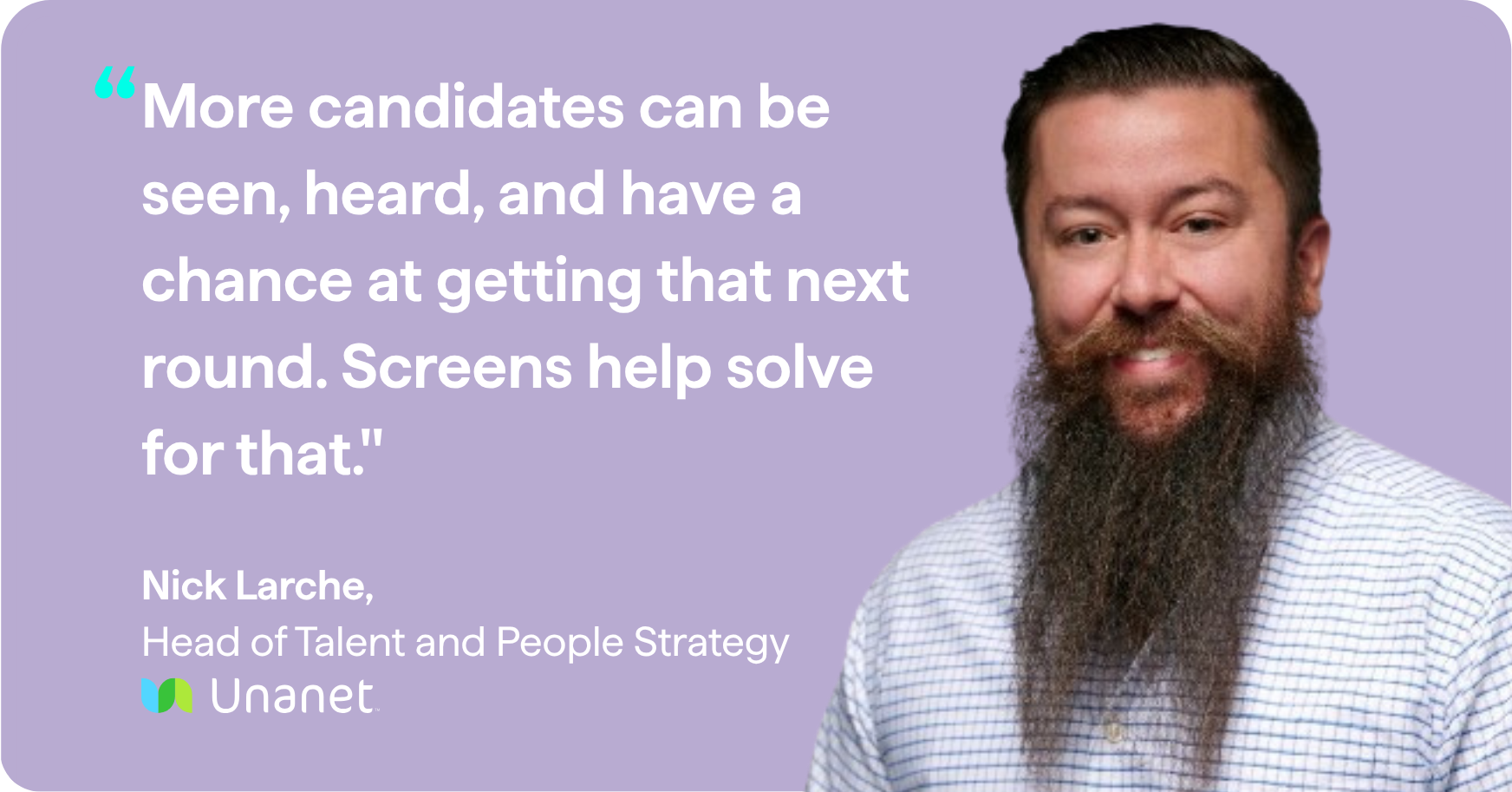
“More candidates can be seen, heard, and have a chance at getting that next round. Screens help solve for that.”
— Nick Larche, Head of Talent and People Strategy at Unanet
Start here: tell candidates what the AI interview is, why you use it, and when they’ll hear from a person. Put a recruiter’s face on the invite, and set a clear deadline.
5. Let AI inform and recruiters decide
Recruiters still decide who moves forward, they just spend less time getting there. “With any AI, it’s all human in the loop,” Nick said. His recruiters review every Screen interview, but they don’t have to watch it end to end. They can watch the recording, search the transcript, or use the chat function to pull out what matters.
MP’s team has found its own balance. Recruiters do a quick check on the top 25% of candidates passed through, plus anyone with a fraud flag, before those candidates go to the hiring team. That flag matters more each year. Nick called integrity signals at both the AI interview and live interview stages “absolutely critical” for a remote-first company.
That review time costs far less than running every screen live, and the time it frees up has enabled recruiters to take on more strategic work.
Start here: decide which AI interviews get a full review and which get a quick check. Make sure every fraud flag reaches a person, and give recruiters back the time for higher-value work.
6. Prove it on a hard problem, then scale
Neither team rolled Screen out everywhere at once. Both started with one tough use case and let the results make the case for expansion.
Nick came in as a skeptic. He started his career in technical recruiting, so he piloted Screen on a lead QA engineer role specifically to see if he could break it. He ran an associate-level go-to-market role at the same time to test whether it worked across functions. Unanet hired a lead QA engineer whose first interview was with Screen. His advice for winning over leadership is to “find the gnarliest problem you can” and prove the tool against it.
MP’s advice: start with a sponsor. Find someone in the business with a hiring pain point, show them in hours what the pilot gives back to their team, and start in that one pocket. Once the ROI shows up, she said, “it spreads like wildfire.” At Included Health, the business has since asked her team to take on more, and she’s now piloting Screen with nurse practitioner hiring.
Sometimes, recruiters need convincing too. Nick’s message to his team was simple:
“This doesn’t replace you. This advances you, and it gives you an opportunity to really further your partnership with the teams that you support.”
— Nick Larche, Head of Talent and People Strategy at Unanet
Start here: pick your hardest screening problem and a sponsor who feels it. Share results in hours saved and days to fill, and tell recruiters up front that the goal is to advance their role, not replace it.
Final thoughts
The teams at Included Health and Unanet landed in the same plac: Screen takes on the repeatable first round, more candidates get a real look, and recruiters spend their time on the most important conversations and partnerships. As Nick told his team, the point is to advance the recruiter role, not replace it.
Want the full conversation? Watch the webinar recording, or get the step-by-step version in The AI Interview Playbook.